What we will cover
A lift that keeps getting battery complaints deserves a look before it's sent to the next job. Predictive maintenance starts with noticing patterns like that.
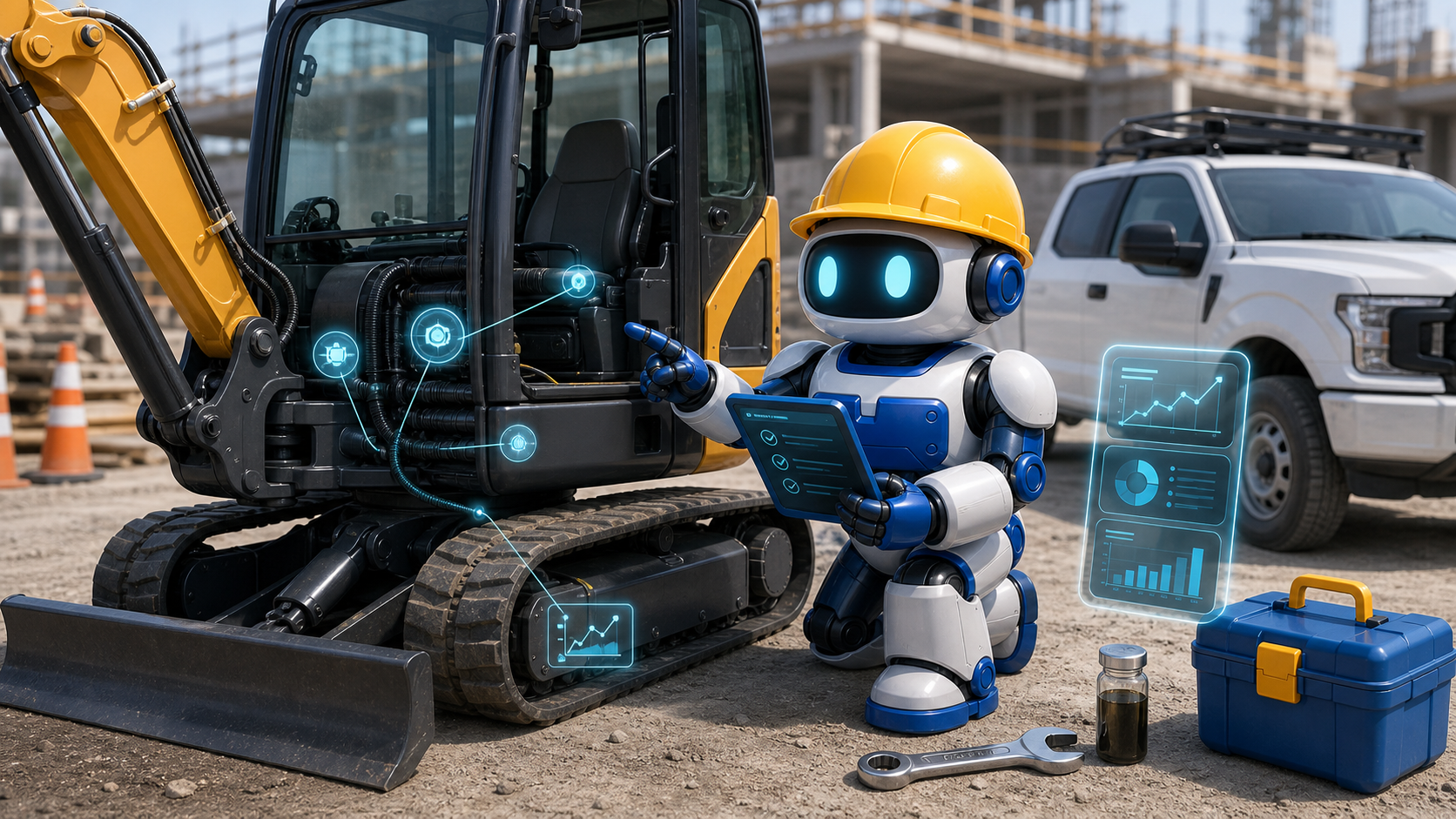
It means the business stops treating equipment trouble like a surprise every time. Instead of waiting for a machine to fail in the middle of a pour, trench, lift, or service day, the company watches the small clues that usually show up first: inspection notes, oil condition, strange noise, rising hours, repeat fault codes, low battery complaints, skipped service, overheating, vibration, slow starts, and operator comments.
AI does not need to run the job to be useful here. It can organize the clues. It can compare today's notes against service history. It can flag the lift that keeps coming back with battery issues, the compressor that missed two service windows, or the truck that is getting written up by three different drivers. Then a person decides whether to inspect, schedule service, rent a backup, move the crew, or keep working.
Use the records to plan around equipment that affects schedule, margin, safety, and customer promises. The maintenance decisions still depend on reliable information and a person who can assess the machine.
Downtime is not just a repair bill
When a key machine goes down, the cost spreads fast. The crew waits. The rental counter gets a rush call. Material may sit. A customer may get a new start date. A foreman loses time making backup plans. The owner may eat hours that never show up clearly in the job cost report.
The smaller the company, the harder it can be to see the pattern. One operator tells the shop the machine felt weak. Another writes a note on a paper form. A mechanic fixes the immediate issue. A dispatcher moves the equipment to another site. Two weeks later the same machine creates the same problem, but nobody connects the dots because the history is scattered.
Bring daily checklists, hour meter readings, work orders, photos, parts notes, inspection comments, and dates into one view. AI can help spot repeat warnings in that history. The test is whether they give the team time to act before the crew is stuck.
Contractor rule
Use AI to find patterns. Use people to inspect equipment, judge safety, approve repair spend, and decide whether the job can keep moving.
The inputs matter more than the buzzword
A contractor does not need every sensor on day one. Start with the records already close to the work. Operator walk around notes, service dates, hour meter readings, fuel issues, hydraulic leaks, tire and track wear, battery complaints, fault codes, photos, and mechanic comments can all become useful maintenance signals.
The first job is to make the inputs consistent. If one crew writes a full note and another only sends a photo, the system has to know what was checked. If operators use different names for the same machine, AI will make a messy summary. If service records live in email, paper, text messages, and one spreadsheet, the business will miss repeat trouble.
Choose the equipment class causing the most schedule trouble: compact machines, lifts, compressors, service trucks, pumps, generators, trailers, or specialty tools. Establish a consistent checklist for that group before expanding the pilot.
A field practical maintenance table
Use this table to decide what belongs in the AI lane and what still belongs with a person who knows the equipment, site, and job risk.
| Signal | AI can help with | Human check |
|---|---|---|
| Daily inspection notes | group repeated comments, missing checks, and new issues | operator and supervisor review before use |
| Hour meter and service dates | flag missed service windows and fast hour buildup | shop schedule, parts, warranty, and downtime plan |
| Photos and short videos | attach visual proof to the right asset and work order | mechanic judgment on leaks, wear, damage, and safe operation |
| Fault codes and alerts | match alerts against recent repairs and repeat patterns | diagnosis, repair priority, and whether to pull the machine |
| Crew schedule | show where a failure would hit active jobs | rerouting, rental backup, customer updates, and cost approval |
| Repair history | spot repeat fixes that may point to a deeper issue | replace, repair, retire, or change how the asset is used |
The trouble gets more expensive after work stops
This chart is a planning model, not a guaranteed cost curve. It shows the operating idea: the earlier the team catches a real equipment issue, the more choices the contractor usually has.
A simple planning chart for contractor equipment risk. The goal is to move more work from breakdown response into planned service and human review.
Do not let AI make the safety call
OSHA's construction safety rules put responsibility on employers to keep frequent and regular inspections in place through competent people. OSHA also has specific construction equipment rules for motor vehicles and mechanized equipment. That should shape how contractors use AI. A model can point to patterns, but it cannot replace required inspections, operator judgment, mechanic judgment, or supervisor approval.
For example, AI can flag that a lift had three battery complaints and one slow start note in a week. It can show the work order history and suggest that the team inspect it before the next job. It should not decide that the lift is safe to operate. That decision belongs with the qualified people responsible for the equipment and the site.
The same rule applies to spending. AI may suggest service before the failure becomes worse. A person still weighs the job schedule, rental cost, part availability, warranty, crew need, weather, and customer commitment. The software should make that decision clearer, not hide it.
NIST's AI Risk Management Framework gives a useful way to think about this without turning a small contractor into a paperwork shop. Map the workflow, measure the risk, manage the review points, and keep improving the process. In plain terms: know where AI helps, know where it can be wrong, and write down who makes the final call.

A diagnostic keeps predictive maintenance grounded: pick one equipment class, clean up the inputs, review the weekly signals, and decide the next action with a person.
A simple first loop for one equipment class
Do not start by connecting every machine, truck, and tool. Start with one painful class of equipment and a 30 day loop.
Pick the equipment that causes real schedule damage when it fails. Write the top five failure clues the crew already notices. Decide where those clues will be captured. Give every machine a consistent name or asset number. Ask operators for short notes at the same point each day. Add photos only when they help. Have one person review the weekly AI summary before Monday scheduling.
The first loop should answer basic questions. Which machines keep getting written up? Which service windows are being missed? Which notes show a safety concern? Which repairs are repeats instead of new issues? Which jobs need a backup plan before the equipment moves?
Choose
Pick one equipment class that hurts the schedule when it fails. Do not start with the whole fleet.
Capture
Use the same daily checks, asset names, photos, and service notes so the AI has clean inputs.
Review
Have a person review weekly patterns, safety flags, repeat fixes, and service windows before the schedule is locked.
Act
Plan service, rent a backup, shift a crew, order parts, or keep running with a documented reason.
After 30 days, keep what helped and cut what created noise. If the loop caught real problems earlier, expand to another equipment class. If it only created extra admin, fix the input process before adding more AI.
Where this connects inside GangBoxAI
Start with the AI ROI Diagnostic when equipment downtime is mixed with estimating, dispatch, payroll, safety paperwork, and owner follow up. The diagnostic helps rank whether predictive maintenance is the first workflow to fix or whether another bottleneck is costing more right now.
Use the solutions catalog to connect maintenance records with field data, workforce handoffs, compliance tasks, and back office reporting. If the team is still deciding whether to build a custom workflow or buy a narrow point tool, the compare page lays out that decision in contractor terms.
Trade context matters. Concrete, plumbing, electrical, roofing, and landscaping crews do not depend on the same equipment in the same way. Start from the trades hub or a trade page such as concrete and plumbing when the maintenance workflow needs to match the work.
If the equipment loop creates useful proof, pair it later with the contractor AI content operations guide. Service records, job photos, safety notes, and completed work can become better internal knowledge and stronger public proof when the facts are reviewed first.
Pilot one equipment class
Pick one equipment class that keeps hurting the schedule. For the next 30 days, collect the same five checks every day, keep the asset names clean, and have one person review the AI summary before the weekly schedule is locked.
If the system helps the team catch one avoidable breakdown, one missed service window, or one unsafe handoff earlier, it has earned the next step. If it does not, the problem is probably the input process, not the AI.
Map the maintenance workflowSources used
- OSHA: General safety and health provisions for construction
- OSHA: Motor vehicles, mechanized equipment, and marine operations
- Bureau of Labor Statistics: Construction Equipment Operators
- NIST: AI Risk Management Framework
- OpenAI Agents SDK: Human in the loop
- Google Search Central: AI features and your website