What we will cover
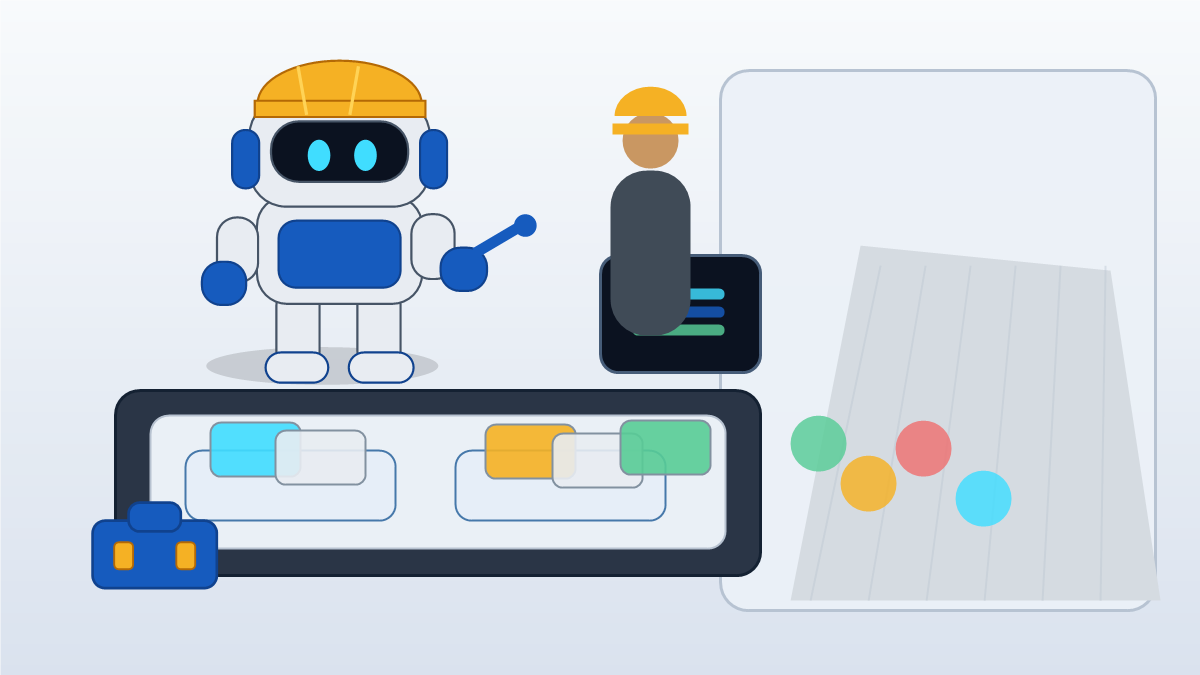
Give an AI agent a defined task, a limited set of tools, and a point where it has to stop. Treat it as a fast helper; keep business judgment with the people responsible for the work.
A helper can pull call details into a lead sheet, organize job photos, draft a follow up, compare field notes with an estimate, or flag missing paperwork. Deciding what a roof edge, customer complaint, crew skill gap, or scope risk means takes a person who can assess the situation and stand behind the call.
AI agents are useful when the job is narrow and the stop point is visible. They create trouble when the business lets them approve price, scope, safety, hiring, legal language, payment pressure, warranty promises, or public claims without a person checking the result.
The wrong frame is digital employee
Calling software a digital employee blurs that responsibility. An employee can ask about the odd detail missing from a form or recognize that a customer's small request needs a paid change order. An agent needs explicit limits so it doesn't quietly step across that line.
An AI agent does not have that kind of responsibility. It follows instructions, uses connected tools, and works from the data it can reach. If the customer note is vague, the job photo is old, the CRM field is wrong, or the office rule is missing, the agent can move the mistake faster than a person would.
The OpenAI Agents SDK describes human in the loop flows where an agent pauses until a person approves or rejects sensitive tool calls. Contractors can use the same idea without building software. Let the agent prepare the work. Pause before the business takes action.
Contractor rule
An AI agent can prepare the packet. A person approves the decision when the output affects price, scope, safety, hiring, payment, privacy, legal exposure, or customer trust.
Build a delegation map before connecting tools
A delegation map tells the team which work the agent can do, which work it can draft, and which work it cannot finish without review. Keep it plain enough that an admin, estimator, foreman, and owner can use it on a busy day.
Start with the work that repeats and leaves a trail. Missed call summaries, estimate follow up queues, photo sorting, review request drafts, job packet cleanup, and material reminder lists are good fits because the input and output are visible.
Keep judgment heavy work under people. A contractor still needs a person to accept scope risk, set final price, approve a change order, respond to a legal threat, decide whether a safety issue is closed, choose a hiring outcome, or publish proof about a customer job.
Agent can do
Collect facts, sort files, summarize calls, draft reminders, group photos, and prepare packets from approved sources.
Agent can draft
Customer follow up, estimate summaries, project notes, review requests, and missing detail lists for a person to approve.
Agent must pause
Price, scope, safety, hiring, legal, payment, privacy, warranty, and public proof decisions need human review.
Person owns
The owner, estimator, foreman, or office lead owns the final decision, the customer promise, and the record.
A practical decision table for contractor AI agents
Use this table before giving an agent access to email, CRM records, calendars, forms, file storage, photo folders, billing, or field apps. Keep the agent out of decisions the business may have to defend.
| Workflow | Agent work | Human pause point | Record to keep |
|---|---|---|---|
| Missed calls | Extract caller need, service area, urgency, callback details, and unanswered question | Before promising response time, price range, emergency priority, or job fit | Transcript, summary, reviewer, callback result |
| Estimate follow up | Queue open estimates, draft reminders, surface objections, and show last contact | Before sending discounts, schedule promises, scope changes, or customer pressure | Estimate, draft, approved message, outcome |
| Field photos | Group photos by job, trade, condition, room, phase, or proof type | Before publishing, sending to insurance, or using photos in a customer claim | Source photos, permission note, reviewer, publish location |
| Change requests | Turn crew notes, photos, and customer comments into a review packet | Before pricing, schedule change, customer approval request, or free work decision | Request, proof, cost note, approval trail |
| Safety notes | Flag missing fields, sort hazards, and route items to the right supervisor | Before closing a hazard, training issue, incident note, or corrective action | Site note, supervisor, action taken, closeout |
| Hiring intake | Collect availability, license status, experience, interview packet details, and missing documents | Before screening out, interviewing, making an offer, setting pay, or deciding accommodation issues | Applicant answers, reviewer, decision reason |
The safest agent workflows have three traits: a clear source of truth, a limited action, and a named reviewer. If one of those is missing, start with draft mode.
Match review level to business risk
NIST frames AI risk work around governing, mapping, measuring, and managing. For a small contractor, that means writing down the work, deciding where mistakes would hurt, checking outputs, and keeping records for sensitive decisions.
Construction adds another layer because job sites are high hazard environments. OSHA points to hazards such as falls, struck by incidents, electrocution, silica dust, and unguarded machinery. AI can help organize safety notes and missing fields, but it should not close safety judgment in the background.
Routine admin can run with spot checks. Money, safety, hiring, and public proof need named human approval before action.
Low review does not mean no owner. It means the risk is small enough for a spot check. High review means a person looks at the packet before any customer, worker, supplier, inspector, or public page sees the result.
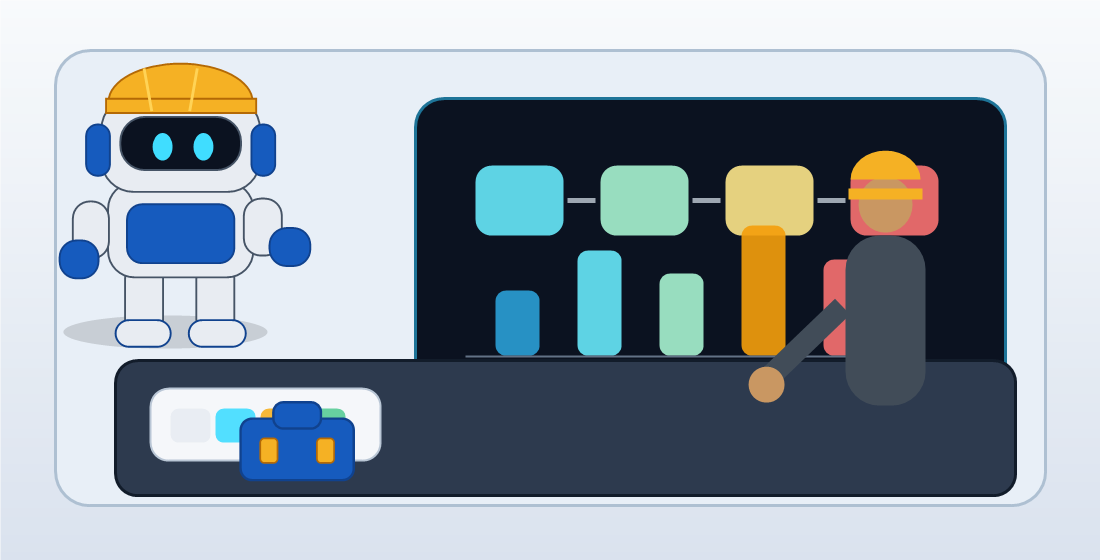
A useful AI agent workflow shows the source data, the action limit, the approval owner, and the record to save after review.
The first agent should do boring work
Pick a first agent that makes the office cleaner without touching the riskiest decision. Estimate follow up is a strong candidate. The agent can list sent estimates, note the open question, draft a reminder, and flag which leads need a call. A person approves the message and any discount, schedule promise, or scope change.
Missed call cleanup is another safe start. The agent can read the transcript, pull the trade, service area, urgency, callback number, and open question, then queue the next action. A person decides whether the job fits, how fast to respond, and what to promise.
Photo proof sorting also works. The agent can group before and after photos, match them to the service type, and draft a project note. A person confirms customer permission, location detail, claim accuracy, and whether the proof belongs on the website, in a review request, or inside a private job file.
Choose
Pick one routine workflow with visible inputs, such as missed call cleanup or estimate follow up.
Limit
Tell the agent what sources it can use, what it can draft, and which actions it cannot take.
Approve
Name the person who checks customer, price, scope, safety, hiring, and public proof decisions.
Measure
Compare response time, missing details, owner time, rework, and customer outcomes for 30 days.
Do not use AI agents as cover for weak process
An agent cannot fix a workflow nobody owns. If the office has no rule for estimate follow up, the agent will make a louder mess. If field photos have no job number, the agent will guess. If nobody knows who approves warranty language, the customer may get a promise the crew cannot keep.
The Department of Labor has published AI workplace best practices that emphasize governance, transparency, human oversight, and protecting worker rights. That is useful guidance for contractors using agents in hiring, crew management, training, scheduling, or performance related work. A human should own worker decisions.
The SBA also warns small businesses to understand both AI benefits and risks. That fits the contractor version of the problem: use AI for repetitive admin, but keep customer data, worker data, safety decisions, and money decisions under clear control.
Where this connects inside GangBoxAI
Start with the AI ROI Diagnostic when you need to pick the first agent workflow. The diagnostic helps separate office drag, missed calls, estimating, job files, safety paperwork, follow up, and marketing proof before the team connects more tools.
Use the solutions catalog after the delegation map is clear. The compare page helps when you are choosing between a custom agent workflow, a point tool, or a cleaner manual process. The trade pages help apply the same review rules to roofing, plumbing, electrical, concrete, painting, flooring, and other field work.
If the agent touches public proof, service pages, reviews, citations, or AI search visibility, connect the workflow to GEO Smith and the contractor AI content operations guide. If the agent touches neighborhood outreach around active jobs, connect it to The Good Neighbor and the job site postcard guide.
The next step
Write one delegation map before adding another agent. List the task, source data, action limit, review owner, approval trigger, and record to save.
Then test one boring workflow for 30 days. Keep the agent if it saves owner time, reduces missed details, and makes approval easier. Cut it if it hides work, creates rework, or makes the team wonder who is responsible.
Run the AI workflow diagnosticSources used
- OpenAI Agents SDK: Human in the loop
- OpenAI API: Agents SDK guide
- NIST: AI Risk Management Framework
- NIST: Generative AI Profile
- OSHA: Construction Industry
- BLS: Construction and extraction occupations
- Department of Labor: AI best practices for employers
- SBA: AI for small business
- FTC: Artificial Intelligence business guidance
- Search Central: Optimizing for generative AI search