What we will cover
Chasing photos and rebuilding job notes can eat into the time a crew needs for paid work. That's a useful place to start with AI.
The field still needs people who can frame, wire, pipe, pour, paint, inspect, talk to customers, and make a call when conditions change. AI doesn't hold an electrician's license, know what a foreman suspects is behind a wall, or take responsibility for jobsite safety.
But AI can help with the drag around that work. It can turn voice notes into clean job logs. It can summarize a customer call before the estimator walks in. It can sort photos by job, draft a follow up message, pull permit details into a checklist, flag missing paperwork, and prep a change order for review. That kind of work matters because it protects the time of the people who actually build.
Look for the paperwork bottleneck around your crew, estimator, project manager, or owner. What could software get ready for them to check? Treat that preparation like staging materials before a shift: the skilled person should arrive ready to work, with the pieces they need close at hand.
The labor pressure is real
The construction labor market keeps putting pressure on owners. The Bureau of Labor Statistics projects construction and extraction occupations to grow faster than the average for all occupations from 2024 to 2034, with about 649,300 openings each year on average because of growth and replacement needs.
That does not mean every trade has the same problem in every market. A roofing company in one county may have different hiring pain than a concrete contractor across town. But most owners know the pattern. Good workers are hard to find, slow to train, and expensive to waste.
That is why the AI conversation should move away from replacement talk. If a strong foreman spends part of Friday chasing photos, cleaning up job notes, or explaining the same scope issue three times, the company is losing skilled time. If an estimator spends the evening rebuilding a proposal from messy field notes, the sales process slows down. If the office manager has to hunt for a permit, insurance note, signed approval, and customer photo across five systems, the workflow is already leaking.
Contractor rule
Use AI where the work is repetitive, document heavy, or easy to review. Keep humans in charge where the work affects safety, scope, pricing, hiring, legal terms, or customer trust.
Admin drag hides inside normal work
Admin drag rarely shows up as one big line item. It hides in small delays.
A service lead calls while the owner is on site. The details get written on a pad, then typed later. A crew sends ten photos, but only two make it to the job folder. A customer asks about a change, the field lead answers verbally, and the office has to reconstruct the history when billing comes up. A safety note gets handled in the moment, but the record is thin.
Those small handoffs add up to slower estimates, unclear scope, weaker records, late invoices, and repeated work. Start by finding where the same detail gets lost or retyped.
AI fits best when it makes the handoff cleaner. It can prepare the draft, group the evidence, check for missing pieces, and put the work in front of the right person. It should not pretend the draft is final.
Where AI helps without pretending to be the tradesperson
There are four contractor workflows where AI usually makes sense before a company starts building anything fancy.
First, capture. Pull voice notes, texts, forms, photos, call summaries, and emails into a cleaner job record so fewer details go missing.
Second, sorting. AI can group messy material by job, trade, location, service type, urgency, customer, or estimate stage. That is useful when the office has too many loose threads.
Third, drafting. AI can draft a scope, change order, review request, customer reply, photo caption, project summary, or internal handoff. A person still approves it because tone, price, scope, and risk are not throwaway details.
Fourth, monitoring. AI can watch for stale estimates, missing photos, unsigned approvals, unanswered leads, aging invoices, or job notes that mention a possible change order. The best version is an alert that helps the team act sooner, not a hidden system taking action nobody checked.
| Workflow | AI prepares | Human owns | Risk if skipped |
|---|---|---|---|
| Field notes | clean daily log from voice notes and photos | accuracy, missing context, customer ready wording | wrong job record |
| Estimate follow up | draft text, reminder timing, open question list | price, scope, promise, tone | overpromising |
| Change order | summary from photos, notes, and customer requests | approval, price, schedule impact | free work or dispute |
| Safety paperwork | checklist draft and missing item alert | hazard review, training, competent person duties | unsafe shortcut |
| Job proof | photo grouping, captions, project summary | permission, claim accuracy, final publish | weak or misleading proof |
A simple approval chart for contractor AI
Use a simple approval model before giving AI more responsibility. If the action is low risk and easy to reverse, AI can prepare more of the work. If the action affects safety, money, legal exposure, hiring, or customer trust, slow it down and require approval.
Use more human approval as the contractor risk rises. This is a planning model, not a legal or safety standard.
Pick one pilot that gives time back this month
The safest first pilot is usually close to an existing workflow. Do not start with a fully connected agent that touches everything. Start with one clear handoff where the pain is easy to see.
A remodeler might start with field notes to customer update. The crew records the day, the tool drafts a plain update, and the project manager approves before it goes out. A roofer might start with inspection photos to estimate notes. A plumber might start with after hours calls to morning triage. An electrical contractor might start with plan questions and material notes before the estimator builds the bid.
Give the pilot a short scorecard. Did it reduce retyping or missed details? Was follow up faster? Were the records clearer, and did the reviewer trust the output enough to keep using it? Fix the workflow if those answers are no.
NIST frames AI risk management as a way to improve trustworthy use of AI and its generative AI profile helps organizations identify risks and choose actions that fit their goals. For a contractor, that means a simple rule: match the control to the risk. A photo caption draft and a safety instruction are not the same kind of output.
OpenAI's agent documentation describes tool calls that pause for human approval. Build that pause into the work: AI prepares the packet, the responsible person checks it, and the next action waits for their decision.
Pick
Choose one repeatable handoff that wastes time now, such as field notes to customer update.
Prepare
Let AI draft, sort, or summarize the work from approved inputs.
Approve
Require a person to check claims, scope, price, safety, and tone before action.
Measure
Track time saved, fewer missed details, faster follow up, and reviewer trust.
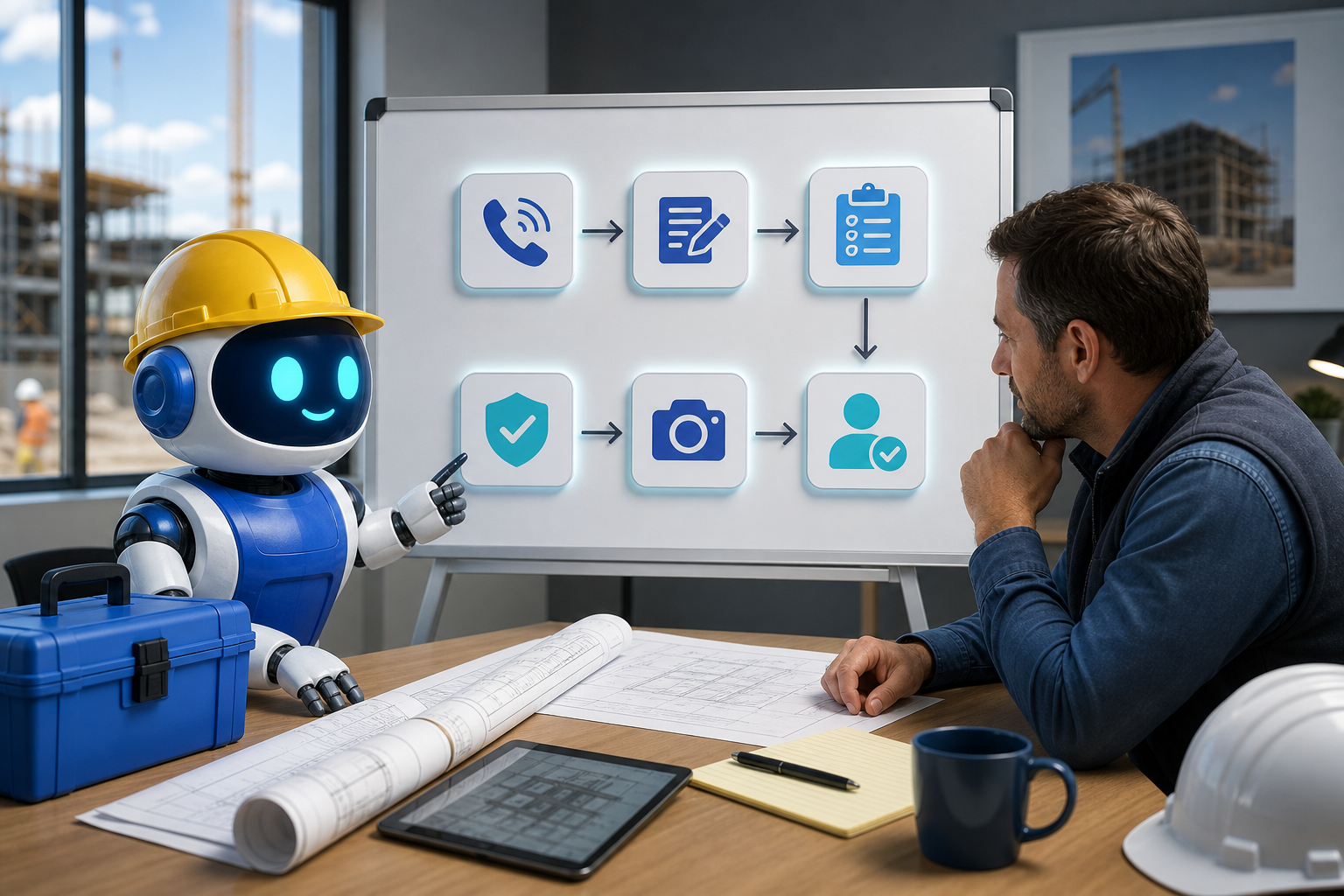
The clean fit is a workflow diagnostic: find the drag first, then decide where AI should draft, alert, or wait for approval.
Where this connects inside GangBoxAI
Start with the diagnostic if you are not sure which workflow is wasting the most time. A contractor should pick the bottleneck before picking the tool. Use the solutions catalog to map the problem to sales, estimating, back office, field data, workforce, or compliance workflows.
If the bottleneck is visibility and proof, connect this work to GEO Smith, the photo proof guide, and the review evidence guide. If the bottleneck is local awareness after the crew is already on site, connect it to The Good Neighbor and the job site outreach loop.
For trade specific starting points, review the trade pages and match the pilot to the work. Roofing might start with inspection photos. Plumbing might start with emergency call triage. Electrical might start with takeoff notes. Concrete might start with pour documentation and weather notes. The right pilot is the one your crew will actually use.
Give one bottleneck back to the crew
GangBoxAI helps contractors remove friction without taking judgment away from the people who own the job. Start with cleaner notes, faster follow up, stronger proof, and fewer loose handoffs around skilled work.
If your team is already busy, do not add another tool just because it says AI. Start with the diagnostic, pick one bottleneck, require human approval where the risk is real, and measure whether the crew gets time back.
Run the diagnostic